
Seedance 2.0 The Ultimate Multimodal AI Video Director
Master the next evolution of AI cinematography. Seedance 2.0 breaks the boundaries of traditional generation, offering precision multimodal control across text, images, video, and audio.
Image
Video
Audio
Pro Edit
AI Video Foundation
What IsSeedance 2.0?
Seedance 2.0 is ByteDance's flagship multimodal AI video model, designed to turn complex creative visions into realistic cinematic reality. Unlike traditional models that rely solely on text, the 2.0 Pro engine introduces advanced Reference Power. It bridges the gap between static assets and dynamic storytelling by allowing creators to "reference everything"—from a character's look in a photo to the specific camera movement of a Hollywood scene.
Solving Industry Challenges
It tackles the most persistent hurdles in AI filmmaking: erratic character identities, unrealistic physical movements, and limited control. With its enhanced physical logic and multimodal conditioning, Seedance 2.0 ensures that your characters stay consistent, your physics stay real, and your directorial intent is never lost in translation.
Workflow
How to Use Seedance 2.0
A seamless three-step directorial workflow that leverages multimodal inputs and intuitive command logic to produce professional-grade video.
STEP 01
Input Your References
Multimodal Base
Start with your creative assets. Upload a Reference Image to define your style or a Reference Video to provide a motion template. Seedance 2.0 supports text, images, video, and audio as primary inputs, offering total flexibility.
STEP 02
Refine with @Commands
Direct the Scene
Use our intuitive @tagging system to orchestrate the AI. Simply describe your scene and call out your assets: "@Image1 for character details, following the movement rhythm of @Video1." This precise instruction-following ensures the model understands exactly what to reference and what to generate.
STEP 03
Generate, Extend, & Edit
Cinematic Continuity
Submit your directive to witness fluid, natural motion. Use the Video Extension tool to "keep filming" the next logical sequence, or use Advanced Editing to swap characters and modify elements within an existing clip without starting over.
Core Capabilities
Key Features of Seedance 2.0
Seedance 2.0 redefines production by combining multimodal reference power with rigorous physical logic and professional editing tools.
Universal Multimodal Reference
Reference anything to create everything. Upload images for composition, videos for motion templates, and audio for atmosphere. The model deciphers these references to ensure the final output matches your original vision with surgical precision.
Persistent Character & Style Identity
Maintain total visual consistency. The 2.0 engine locks in facial features, clothing details, and environment styles across multiple shots. Your characters remain unmistakably themselves, even during complex movements or angle changes.
"Continue Filming" (Video Extension)
Break the single-clip limit. Seedance 2.0 can intelligently extend existing videos, generating smooth, logical subsequent actions that feel like an uninterrupted take. It does not just generate; it "keeps the cameras rolling."
Directed Video Editing
Edit with surgical precision. Modify existing footage by replacing characters, adding new elements, or deleting objects—all while preserving the original motion, lighting, and rhythm of the scene.
Audio-Visual Rhythm Alignment
Sync your visuals to the beat. Whether it is precise lip-syncing for dialogue or rhythmic action for a music video, Seedance 2.0 ensures that every movement is perfectly timed to your uploaded audio or video soundscape.
Why Choose Us
Why Choose Seedance 2.0
Seedance 2.0 is built for professional results—prioritizing control, consistency, and a streamlined creative process.
Precision Over Randomness
Use multimodal references to get the exact shot you want the first time.
Uninterrupted Storytelling
Use Video Extension and Editing to build long-form narratives with perfect continuity.
Physical Realism
Benefit from an upgraded foundation that understands natural motion and physical laws.
Production-Ready Consistency
Maintain brand and character integrity across global campaigns without visual drift.
Directorial Efficiency
Reduce rework by using existing videos and images as templates for new creations.
Wall of Love
Loved by Professionals
See how agencies, creators, and filmmakers use multimodal control and continuity features.
Reference videos for camera movement cut pre-production time in half.
"Seedance 2.0 changed the game. Using reference videos for camera movement has cut our pre-production time in half."

Lena
Creative DirectorAgencies
Build entire brand stories with a single reference image.
"The character consistency is unparalleled. We can now build entire brand stories with a single reference image."

Mateo
Marketing LeadAgencies
From raw idea to perfectly synced music short in minutes.
"I can pivot from a raw idea to a perfectly synced music short in minutes. It's like having a full post-production house in my pocket."

Jay
Content CreatorCreators
True cinematic flow with multi-shot sequences.
"The 'Continue Filming' logic allows for true cinematic flow. I can finally previsualize multi-shot sequences that feel coherent."

Aria
Indie FilmmakerFilmmaking
Under the Hood
Core Technical Breakthroughs in Seedance 2.0
Core technical innovations powering multimodal reference, physical realism, and directorial control.
Multimodal Conditioning Architecture
Our engine treats images, videos, and audio as primary control signals. This allows the model to decode motion and style from references rather than guessing from text alone.
Enhanced Physical Prior Logic
We have significantly upgraded the foundation to handle complex, continuous actions. The result is fluid motion that respects gravity, momentum, and human anatomy.
Semantic Identity Retention
A specialized attention mechanism "remembers" character attributes across frames, solving the common AI issue of flickering or changing details.
Instruction-Aware Rendering
The model distinguishes between "referencing" (imitation) and "editing" (modification), allowing for highly specific directorial commands.
Gallery
Seedance 2.0 Showcase
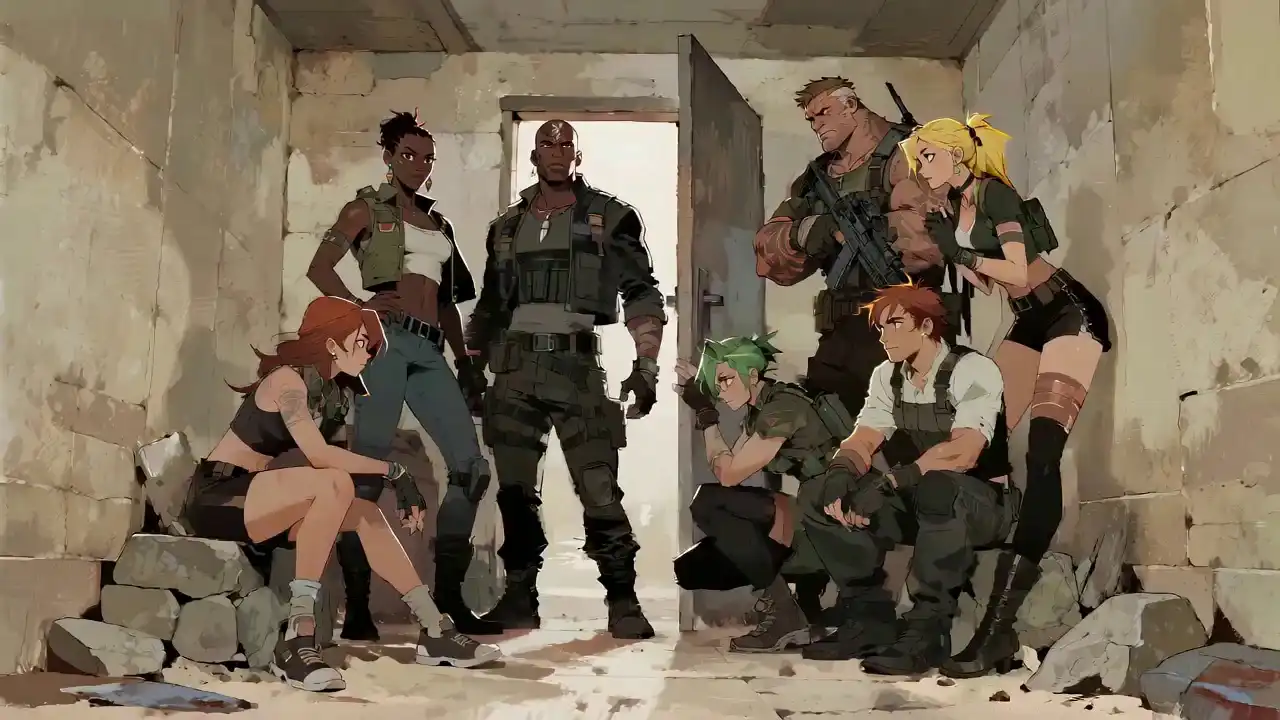
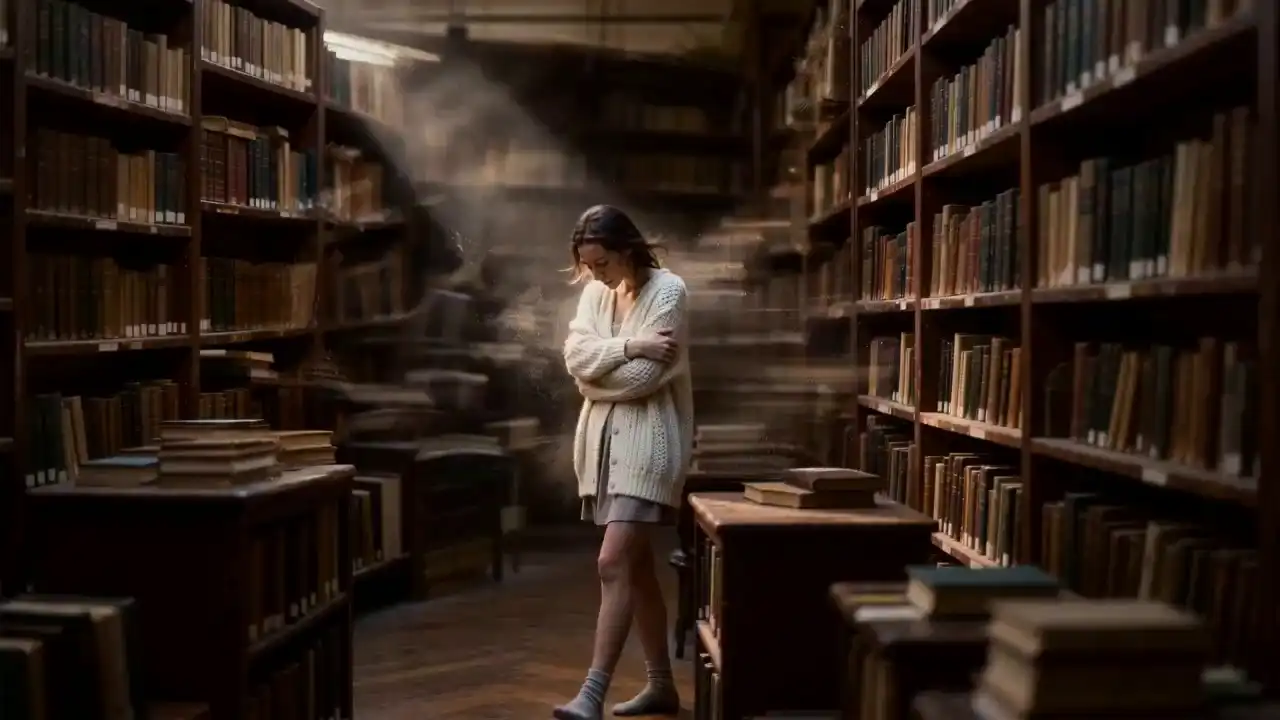
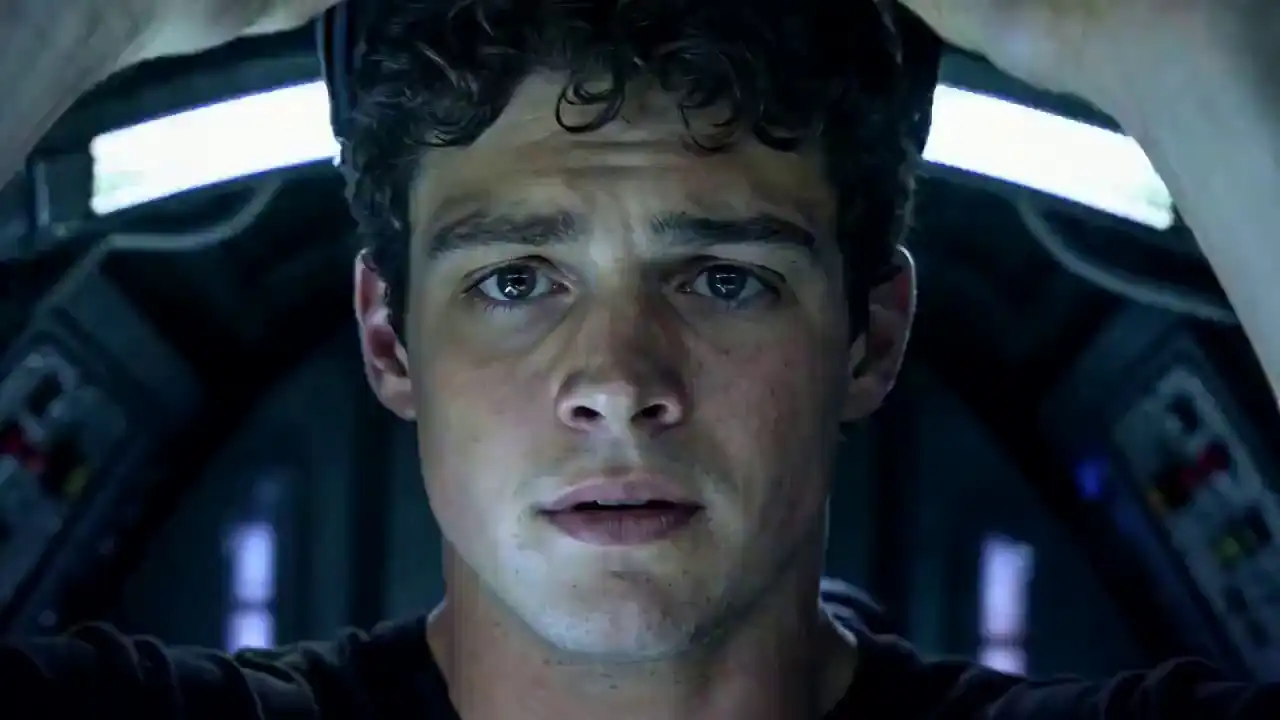
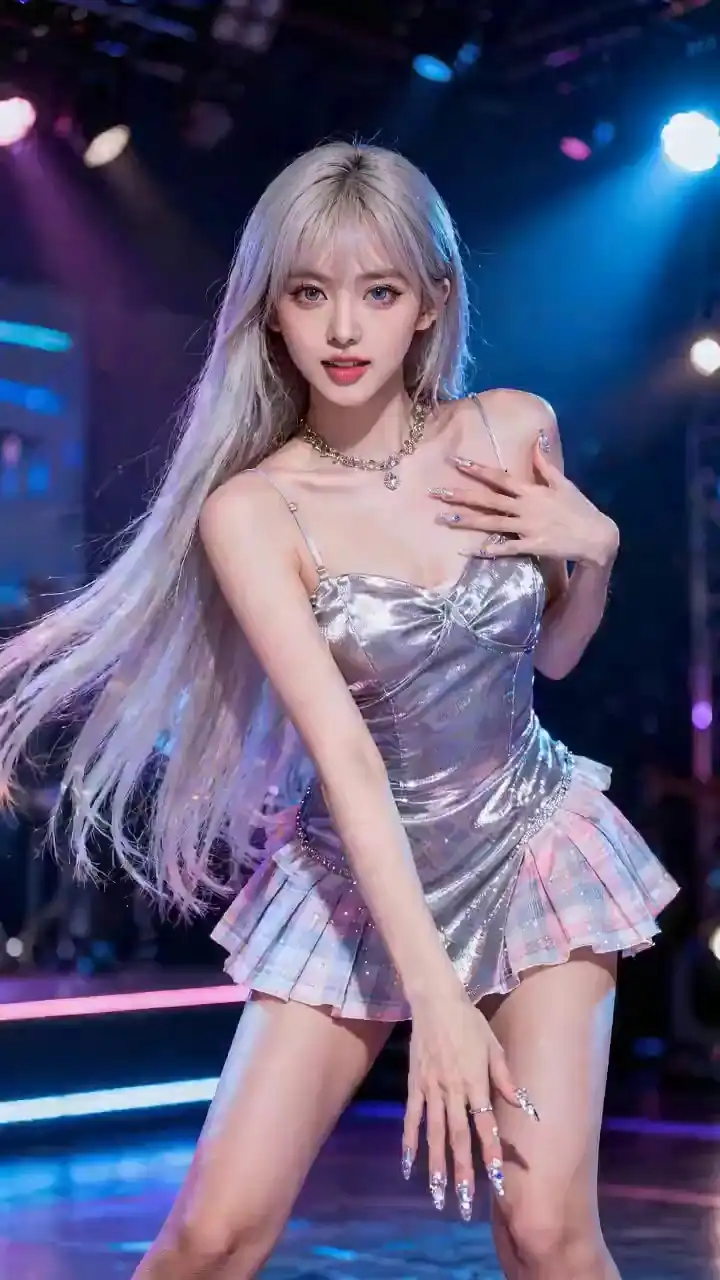
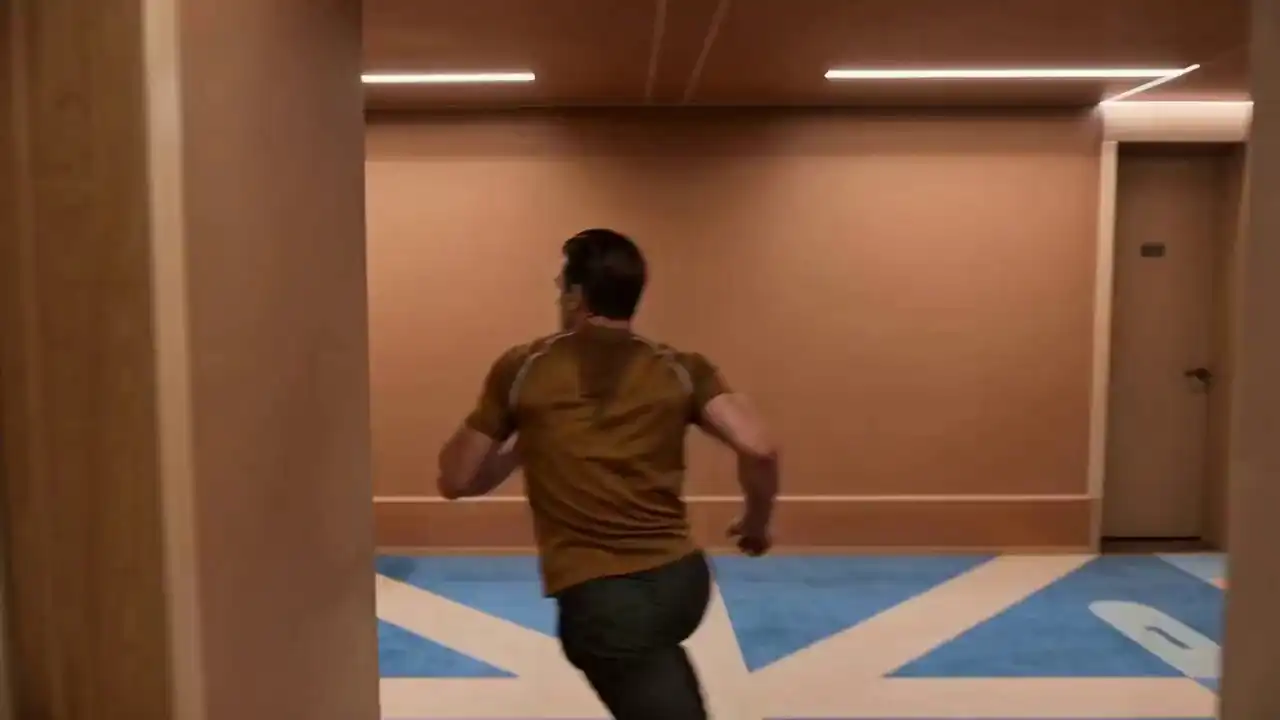
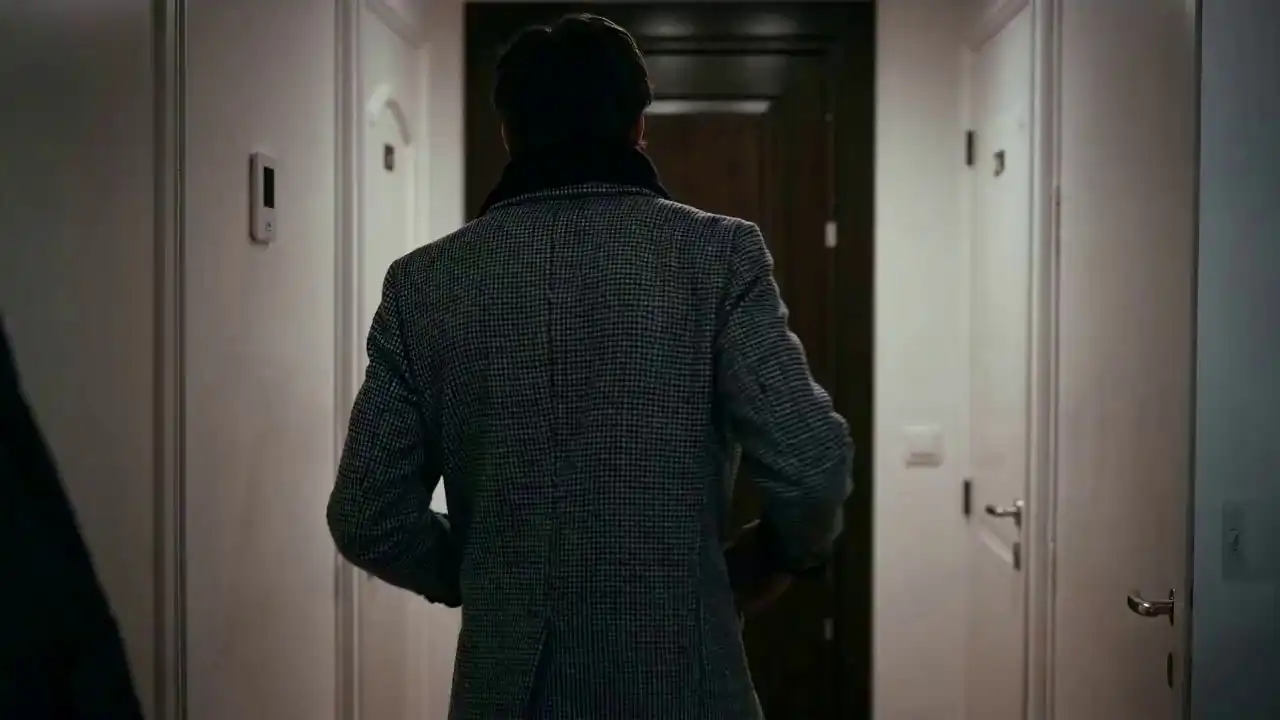
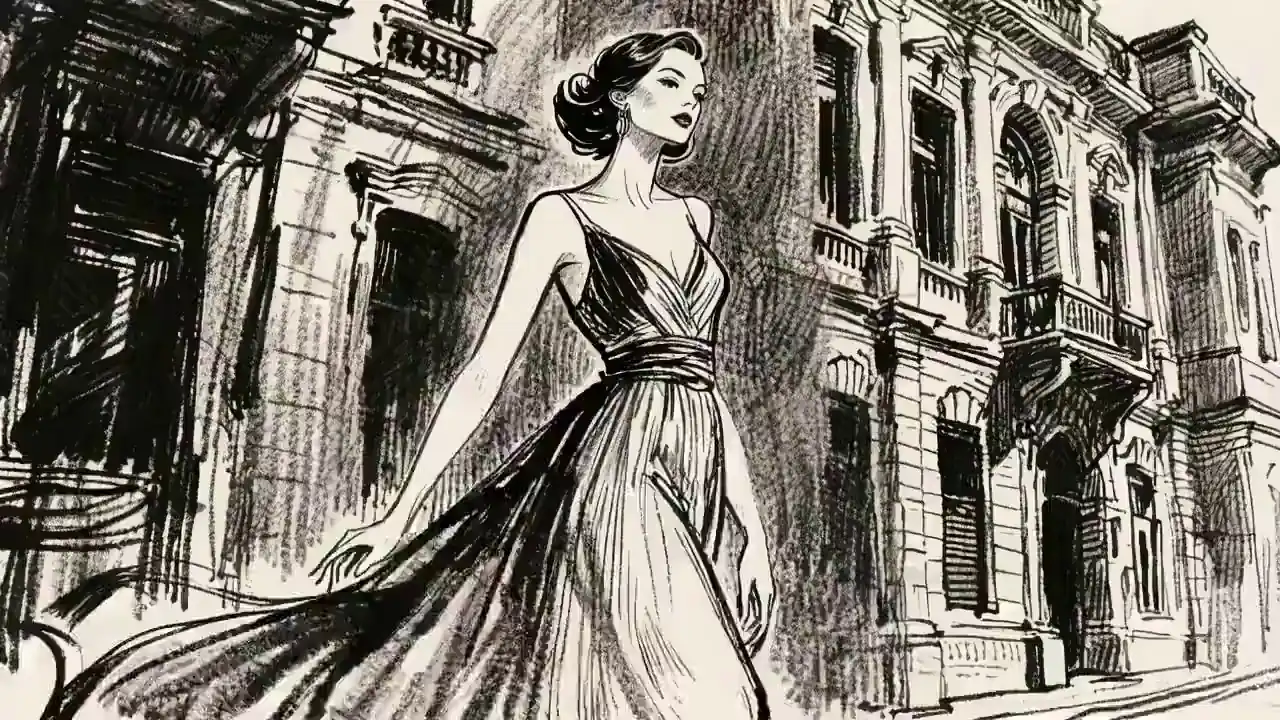
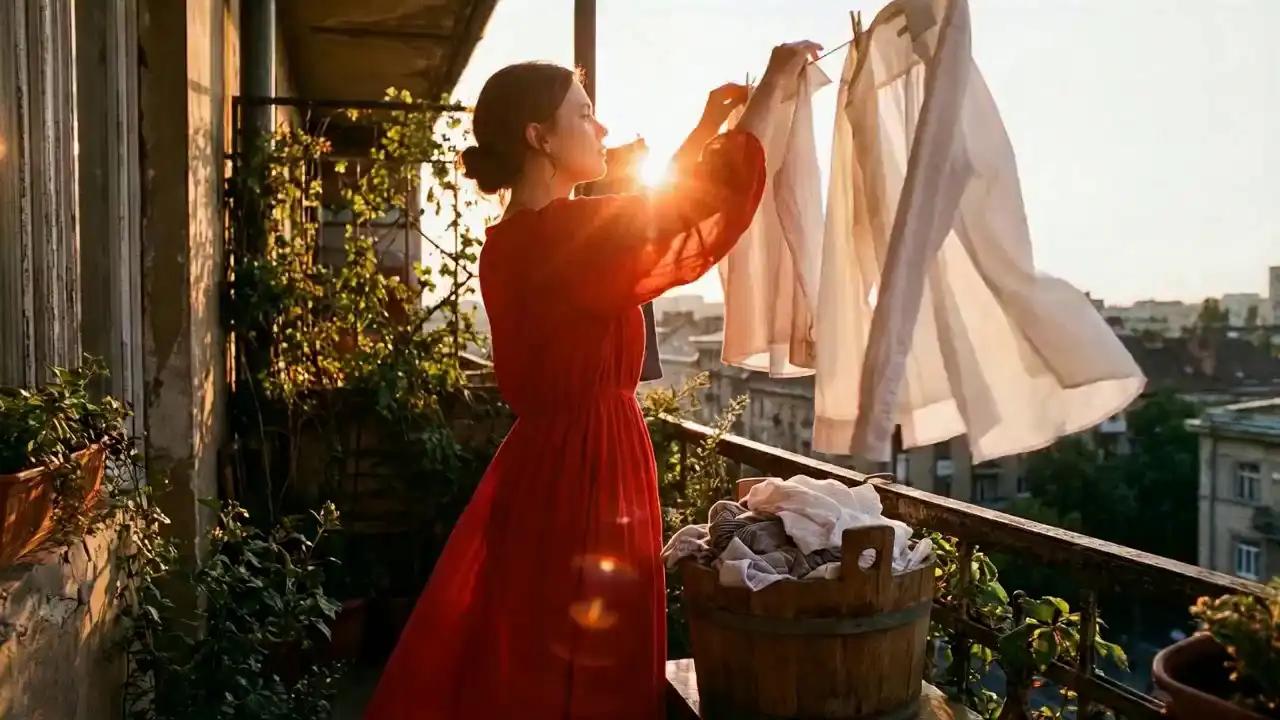
A curated gallery of videos generated using multimodal inputs, showcasing flawless motion replication, character consistency, and the "Continue Filming" feature.



Guides
Learn More
Explore in-depth guides and comparisons to master Seedance 2.0 AI Video generation
Seedance 2.0 vs Grok-Imagine-Video: Did Grok Really Defeat Seedance?
Grok or Seedance? Which AI video model is actually better? Actually, the answer is more useful than a ranking. Because today’s best AI video generators are no longer competing only on visual quality, they are competing on different definitions of what a “great video” means.
Read ArticleMastering Seedance 2.0 : The Ultimate Guide to Multimodal AI Video Directing
Master Seedance 2.0 Multimodal Reference Mode. Direct AI videos with precision using image & video references, character consistency, and scene extensions.
Read ArticleIndustry Solutions
Professional Use Cases withSeedance 2.0
From advertising to education, see how professionals use Seedance 2.0 for brand consistency, viral content, and immersive storytelling.
Advertising & Marketing
100% Brand Consistency
Convert static brand assets into high-conversion videos that maintain 100% brand consistency.
Social Media Content
Viral-Ready Shorts
Generate viral-ready shorts with perfect audio-rhythm alignment and cinematic motion.
Creative Storytelling
Director's Vision
Build coherent, character-driven films using multimodal references to ensure every shot matches the director's vision.
Education & Training
Immersive Explainers
Create immersive explainers with precise lip-sync and character-driven narration to drive engagement.
Choose the Pricing Plan That Fits Your Needs
Flexible and transparent pricing with no subscriptions. Pay only for what you use, based on your actual video generation.
Starter
$9.9
One-Time Access
- 900 credits included
- create HD text-to-video or image-to-video clips with natural native audio
- 720p export, No watermark download
- Commercial use license
- Standard queue speed
- Email support
Basic
$29.9
One-Time Access
- 3300 credits included
- faster HD generation for daily content
- Text to Video & Image to Video with native audio
- 1080p export, No watermark download
- Commercial use license
- Priority queue speed
- Priority support (email)
Most Popular
Plus
$49.9
One-Time Access
- 5800 credits included
- scale creative runs with better stability and look
- Text to Video & Image to Video with native audio
- 1080p export, No watermark download
- Commercial use license
- Faster priority queue + up to 5 concurrent jobs
- Priority support
Professional
$99.9
One-Time Access
- 12200 credits included
- (best value per credit)
- high-volume, professional delivery and teams
- Text to Video & Image to Video with native audio
- 1080p export, No watermark download
- Commercial use license
- Fastest queue + up to 10 concurrent jobs
- Full effects pack + early access to new features
- 24/7 priority support
Choose one-time credits • Flexible billing options
Help Center
Frequently Asked Questionsabout Seedance 2.0
Quick answers on multimodal control, character consistency, @tagging, and commercial rights.
01
What makes Seedance 2.0 Pro different from other AI video generators?
Seedance 2.0 Pro is the first truly multimodal engine designed for directorial control. Unlike traditional tools that rely on text alone, 2.0 Pro allows you to use images, videos, and audio as direct references. This means you can dictate the exact style, motion, and rhythm of your scene, moving beyond random generation to precise, professional-grade production.
02
How do I maintain character consistency across multiple shots?
Consistency is our core strength. By uploading a Reference Image of your subject and using the @Image tag in your prompt, our Identity Persistence mechanism locks in facial features, clothing, and body proportions. This ensures your character remains unmistakable across different angles and complex movements without any "flickering" or drift.
03
Can I use Seedance 2.0 Pro to extend or edit existing videos?
Yes. Seedance 2.0 Pro is built for an iterative workflow. You can use the Video Extension tool to "keep filming" a scene with perfect narrative continuity. Additionally, our Advanced Editing capability allows you to perform character swaps or element additions within existing footage while preserving the original motion, lighting, and cinematic rhythm.
04
How does the Audio-to-Video feature work?
Our model treats audio as a primary control signal. When you upload a custom voiceover or music track, Seedance 2.0 Pro decodes the waveform to drive millisecond-accurate lip-sync and rhythmic action. The environment and characters in your video will naturally move and react to the beat and tone of your audio file.
05
What is the "@" command system, and how do I use it?
The @ system is your directorial interface. It allows you to tag specific uploaded assets in your prompt so the AI knows exactly what to reference. For example: "@Image1 for character style, follow the motion of @Video1." This eliminates ambiguity and gives you surgical precision over the final output.
06
Are the videos generated by Seedance 2.0 Pro cleared for commercial use?
Absolutely. We empower professionals to scale their production. All videos generated by paid users include full commercial rights. You retain 100% ownership and copyright, making the content ready for social media monetization, brand advertisements, or professional client deliveries.