Seedance 2.0 Pro Studio
Unleash cinematic creativity with multi-modal inputs. Control every frame with image interpolation and reference remixing.
Waiting for input
Pro Tips
- Use 16:9 for cinematic YouTube content, 9:16 for TikTok/Reels.
- For Frame Control, ensure start and end images have similar aspect ratios.
- Ref. Remix works best with clear, isolated subjects on simple backgrounds.
How to Use seedance 2.0 AI Video Generator
A seamless three-step directorial workflow that leverages multimodal inputs and intuitive command logic to produce professional-grade video.
Step 01 — Input Your References (Multimodal Base)
Start with your creative assets. Upload a Reference Image to define your style or a Reference Video to provide a motion template. Seedance 2.0 supports text, images, video, and audio as primary inputs, offering total flexibility.
Step 02 — Refine with @Commands (Direct the Scene)
Use our intuitive @tagging system to orchestrate the AI. Simply describe your scene and call out your assets: "@Image1 for character details, following the movement rhythm of @Video1." This precise instruction-following ensures the model understands exactly what to reference and what to generate.
Step 03 — Generate, Extend, & Edit (Cinematic Continuity)
Submit your directive to witness fluid, natural motion. Use the Video Extension tool to "keep filming" the next logical sequence, or use Advanced Editing to swap characters and modify elements within an existing clip without starting over.
The Bridge Between Sound and Cinema
Experience how Seedance 2.0 redefines the boundaries of AI video generation through audio synchronization.
Seedance 2.0 is ByteDance's premier AI video foundation, specifically engineered to harmonize static soundscapes with dynamic visual narratives. Building upon our native audio-visual foundation, it introduces a breakthrough in Audio-to-Video logic, allowing creators to pilot scene generation using voiceovers, music, or soundtracks.
Solving Real-World Creative Challenges
- 1.Identity Persistence: We've solved character drift, ensuring subjects look identical across every shot.
- 2.Multimodal Precision: Total alignment between text intent, image style, and audio rhythm.
- 3.Directorial Control: Shift from "random generation" to precise, instruction-based filmmaking.
Key Features of Seedance 2.0 AI Video Generator
Why Seedance 2.0 leads the industry—direct audio-to-video sync, identity persistence, and cinematic continuity.
Direct Audio-to-Video Sync
For the first time, sound is the director. Upload custom audio—dialogue, music, or narration—and watch Seedance 2.0 generate matching visuals with millisecond-accurate lip-sync and rhythmic alignment.
Persistent Multi-Character Identity
Maintain the integrity of your cast. Seedance 2.0 locks in facial features, attire, and body types across diverse angles and environments. Your characters remain themselves from the first frame to the last.
Context-Aware Foley & Ambiance
Beyond visuals, the model understands sound. It intelligently synthesizes synchronized Foley effects—like footsteps or rustling clothes—and layers them with environment-specific ambient noise for a full cinematic experience.
Narrative Continuity & Multi-Shot Logic
Design complex stories with confidence. Seedance 2.0 ensures that lighting, color grading, and spatial logic remain consistent across multiple shots, making it the ideal tool for long-form content.
Why Choose Seedance 2.0 AI Video Generator
Built for creators who care about results—saving time, controlling costs, and producing consistent videos.
Spend Less Time Fixing
Stable outputs reduce rework, helping you move from idea to finished video faster.
Create Complete Videos
Integrated audio and visual coherence mean your videos feel polished and immersive.
Maintain Consistency
Characters and scenes stay visually aligned across projects.
Scale Without Surprises
Usage-based pricing gives you predictable costs.
Commercial Readiness
Outputs are designed for real-world marketing, education, and storytelling.
Technical Breakthroughs in Audio-Driven AI
Explore the multimodal algorithms powering the Seedance 2.0 engine.
Audio-Conditioned Diffusion Architecture
Seedance 2.0 treats audio as a primary control signal, not an afterthought. The architecture decodes audio waveforms to drive facial micro-expressions and scene dynamics.
Temporal Identity Attention Mechanism
Our specialized attention layers "remember" subject features across the temporal axis, ensuring identity stability over longer durations and complex movements.
High-Efficiency Rendering Pipeline
By optimizing latent diffusion, we've achieved a breakthrough in visual fidelity and rendering latency, allowing for professional-grade iteration without the wait.
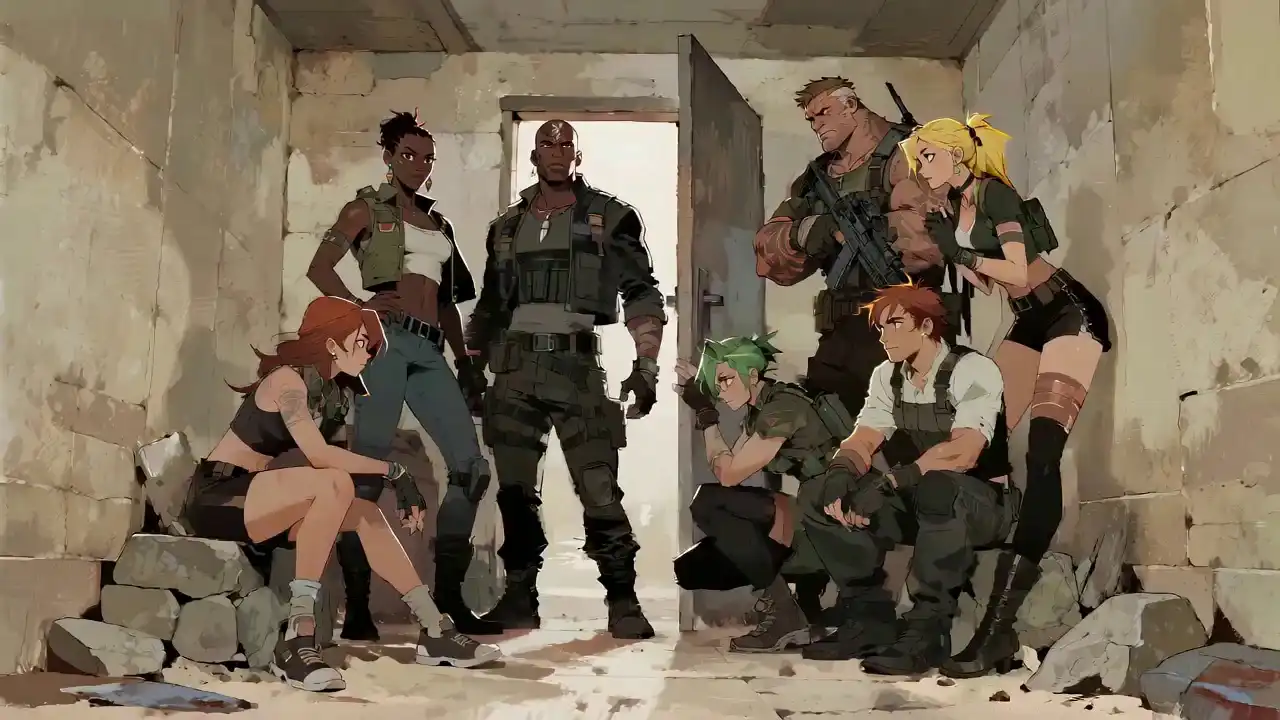
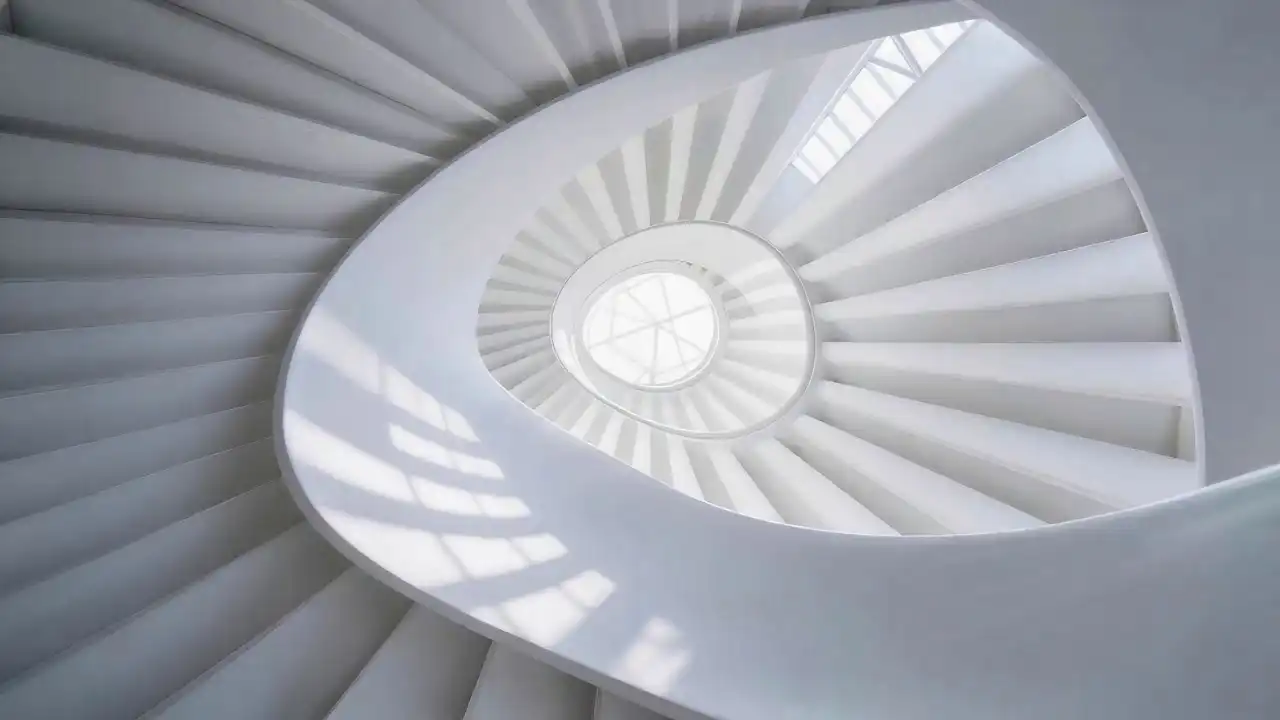
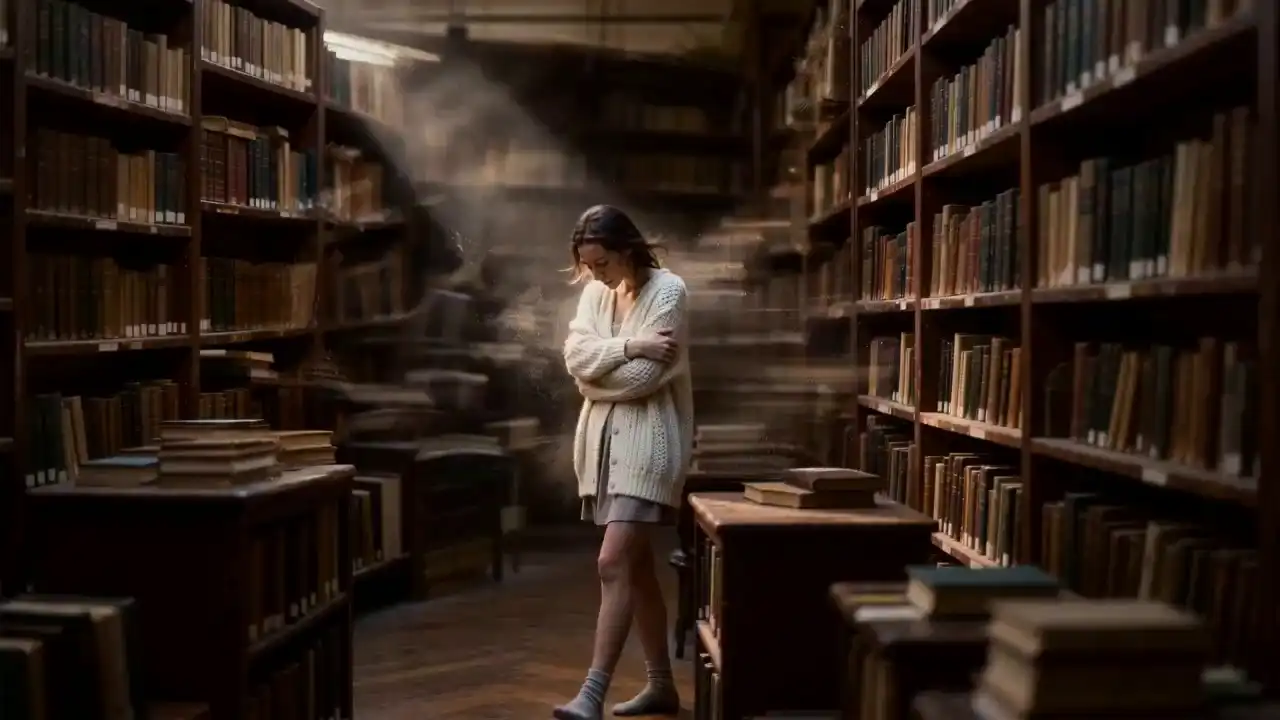
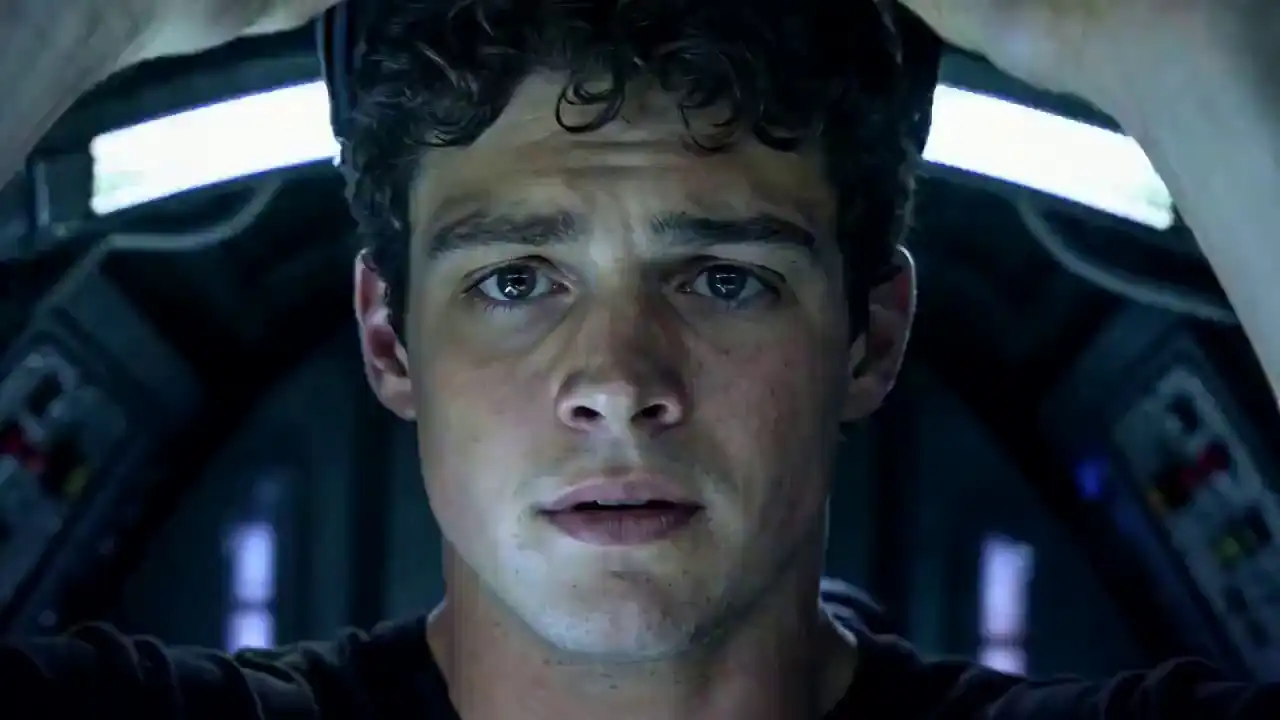
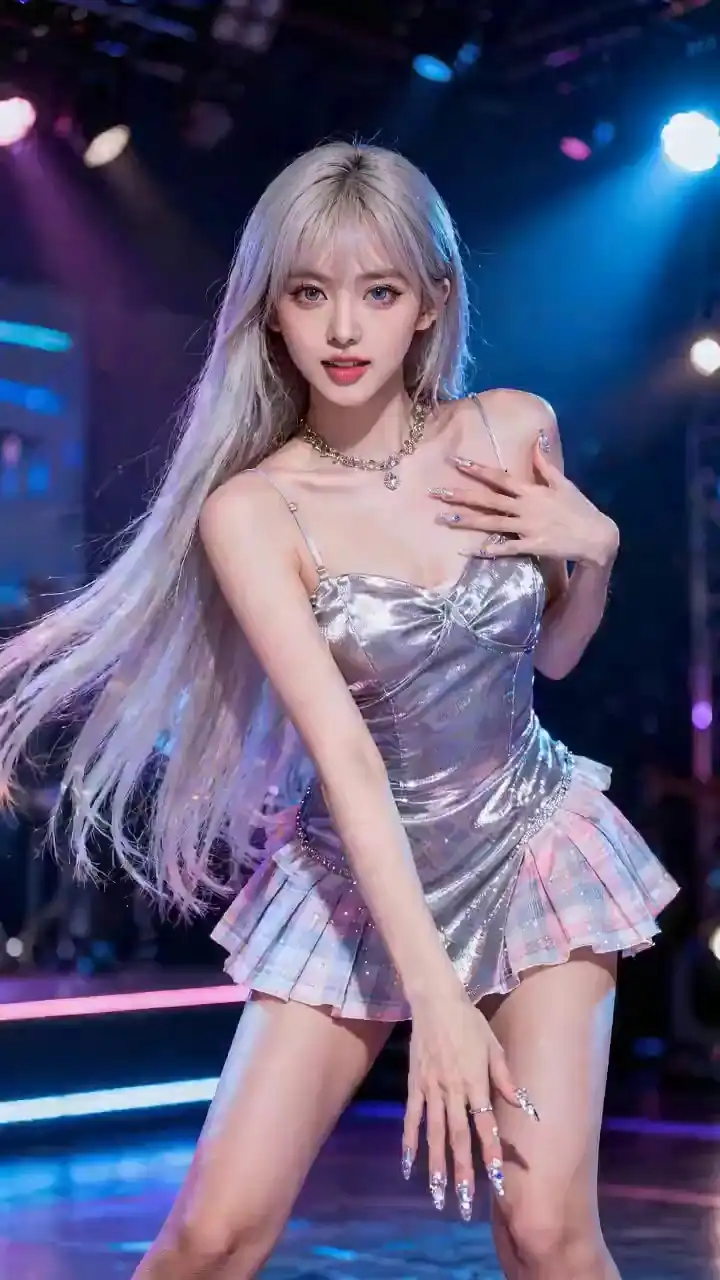
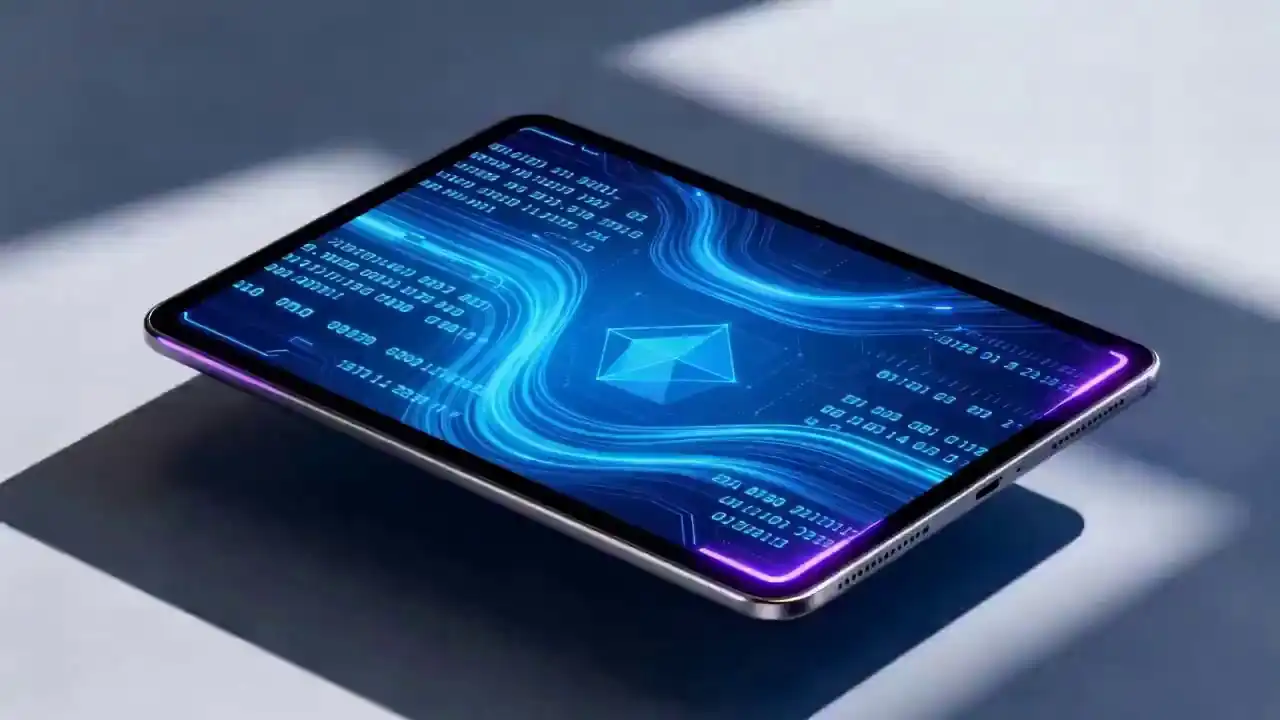
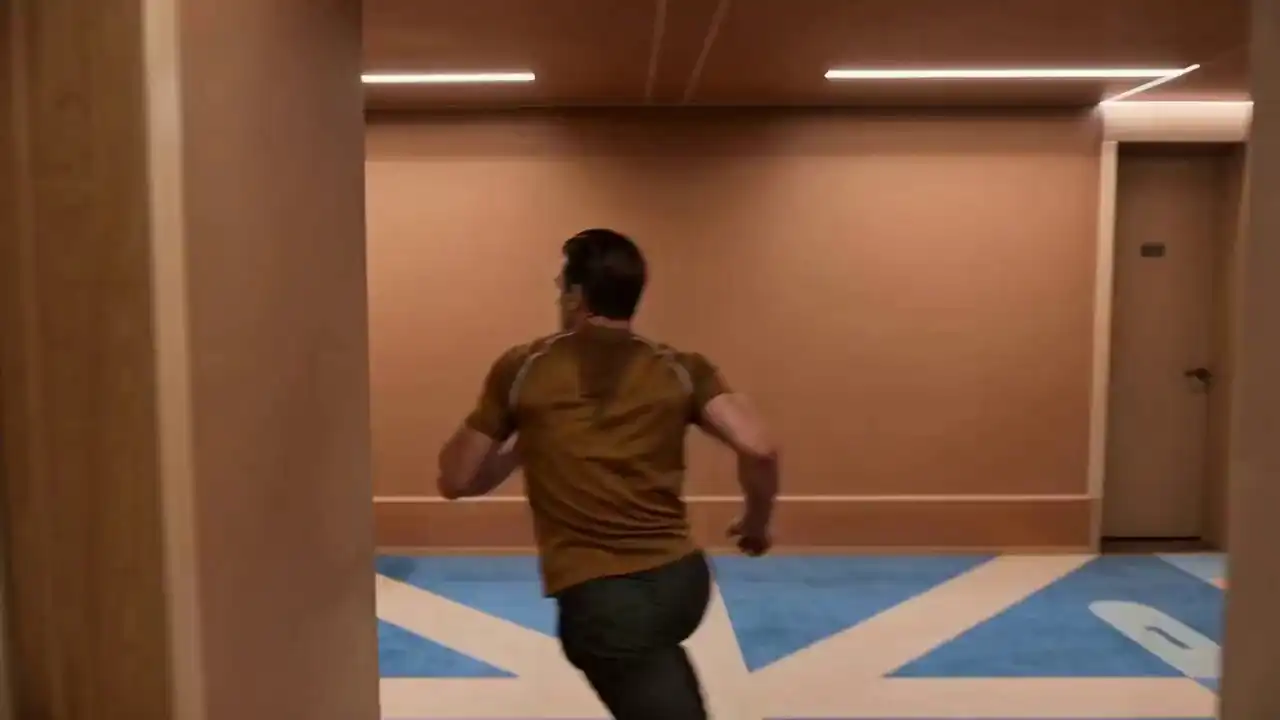
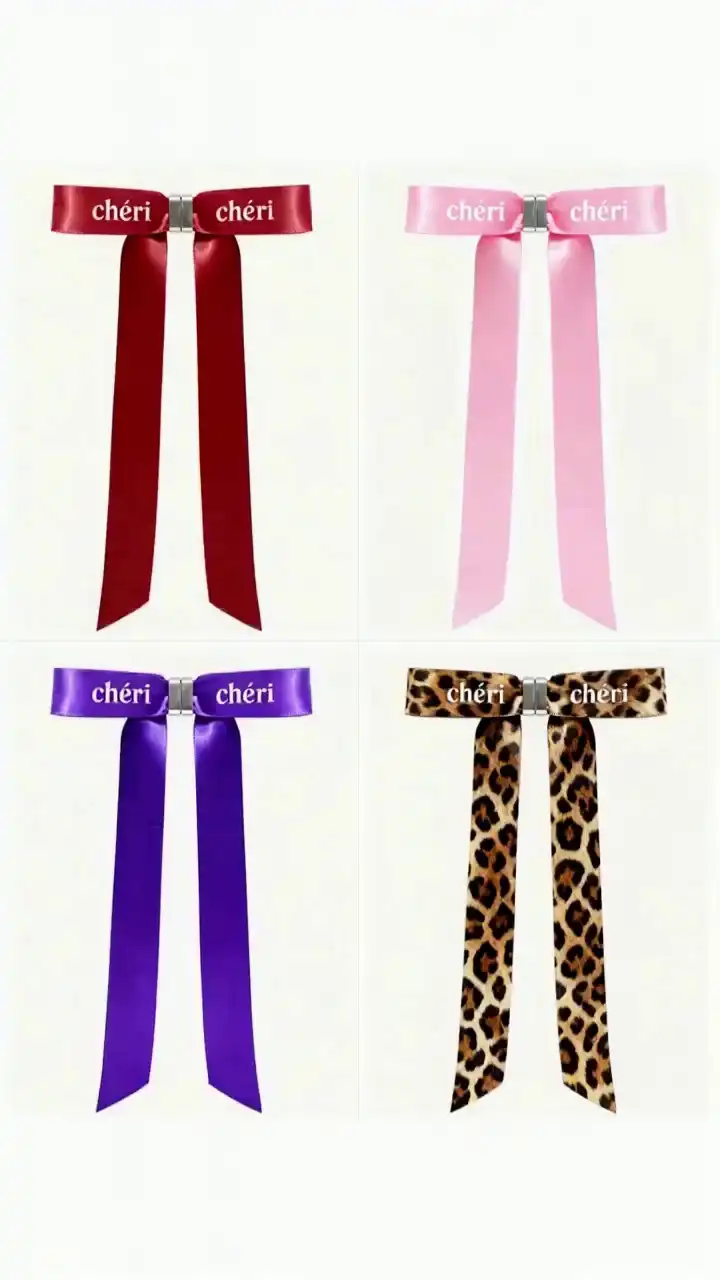
Showcase: Cinematic Reality Generated by Seedance 2.0 AI Video Generator
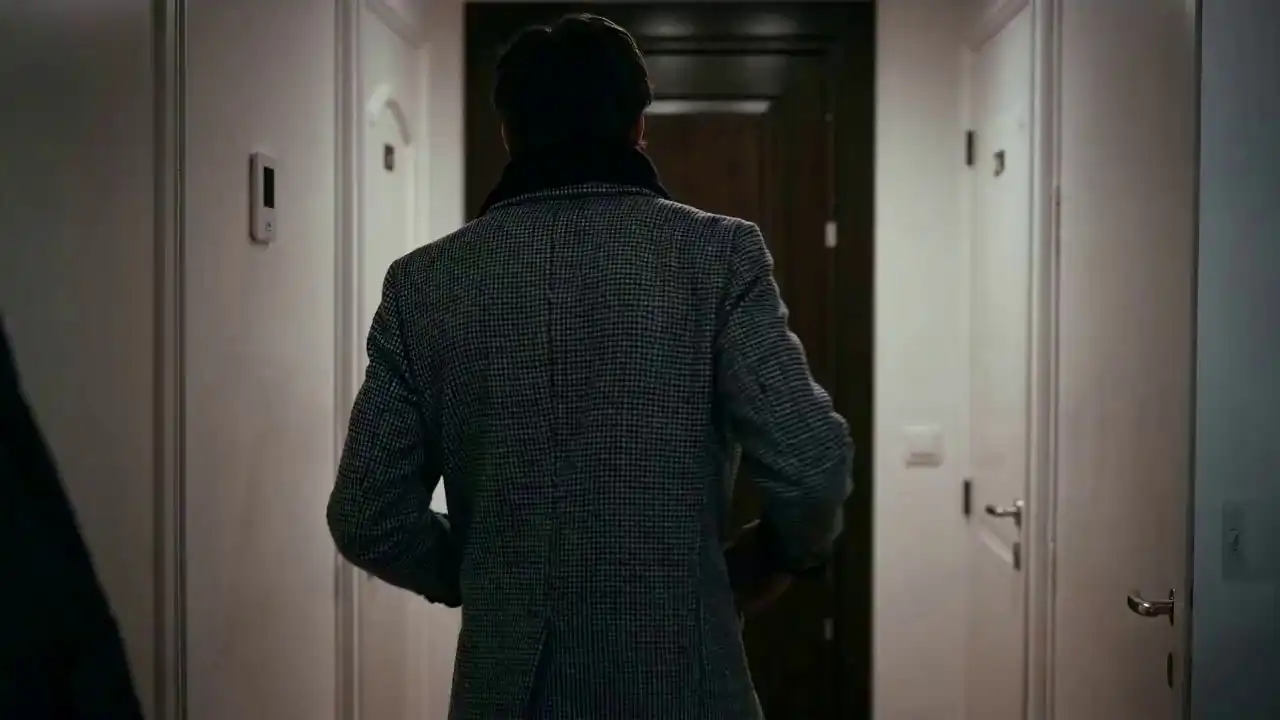
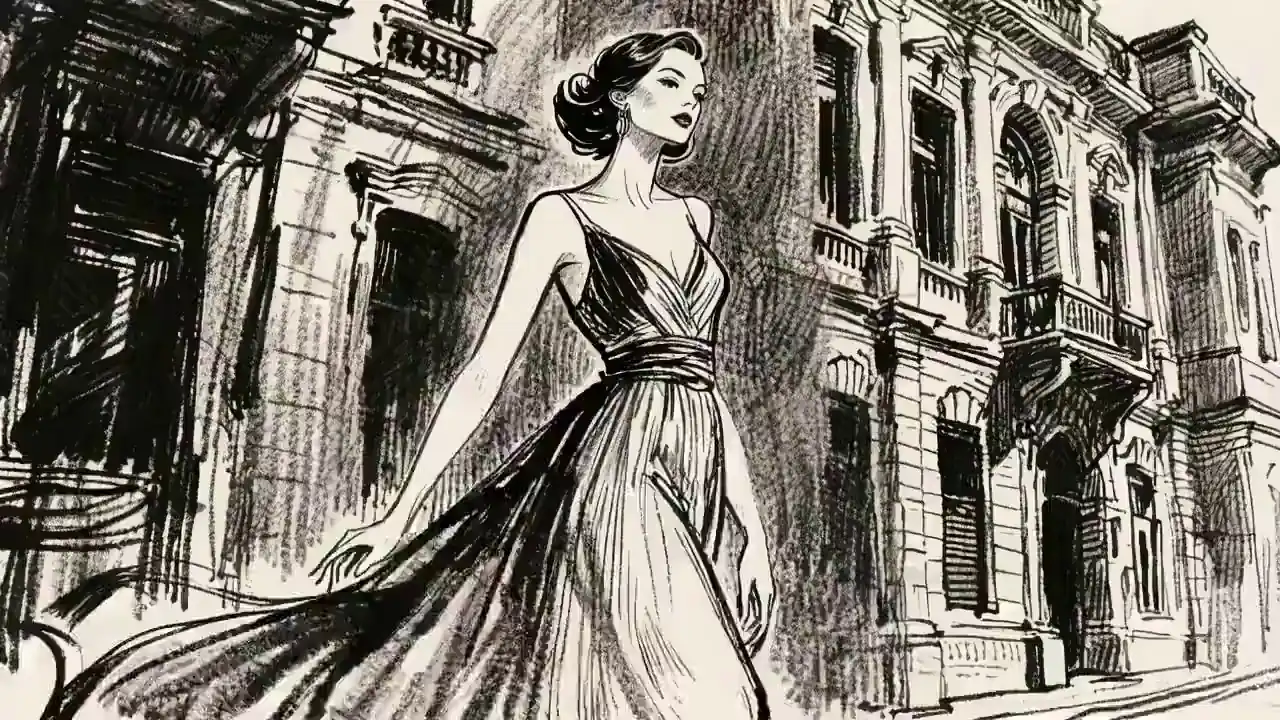
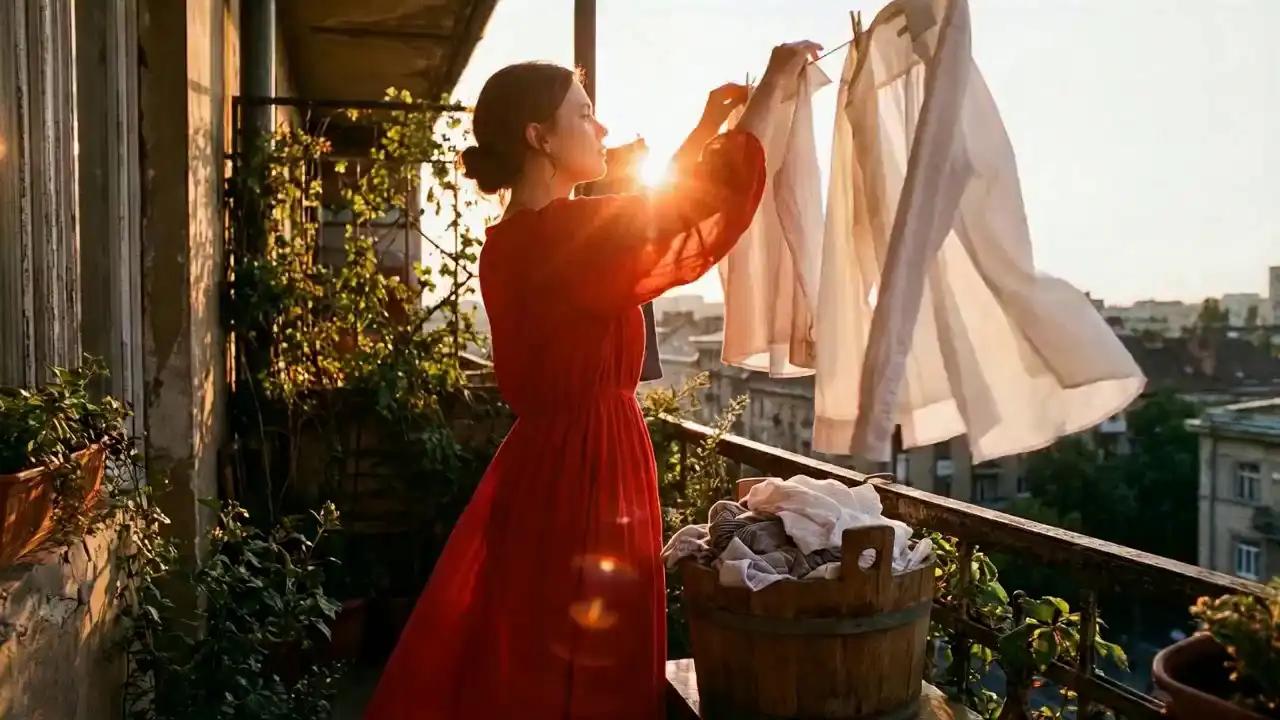
Step into the era of directorial AI. Explore how Seedance 2.0 masters multimodal references, seamless video extensions, and cinematic character persistence.



Real-World Applications for Generative Video
Seedance 2.0 AI Video Generator empowers creators across industries.
Advertising & Marketing
Turn Static Assets into High-Conversion Video
Transform static product images into dynamic showcases. Create compelling promotional content that drives clicks without expensive shoots.
Social Media Content
Viral-Ready Creation
Dominate the feed with premium quality. Whether it's rapid-fire shorts for TikTok or narrative content for YouTube, generate engaging videos with synced audio.
E-Commerce & Product Display
Dynamic 360° Views
Elevate the shopping experience. Generate realistic lifestyle videos that show products in action to significantly boost conversion rates.
Education & Training
Immersive Visual Learning
Transform textbooks into engaging animated explanations. Use precise lip-sync to create virtual avatars that deliver lectures with clarity.
FAQ: Everything You Need to Know
What makes Seedance 2.0 Pro a significant upgrade from version 1.5?
The defining breakthrough of 2.0 Pro is its "Reference Everything" multimodal power. Unlike 1.5, which relied primarily on text, 2.0 Pro allows you to upload images, videos, and audio as simultaneous reference points. This gives you total directorial control over frame composition (via images), motion rhythm (via video), and atmospheric pacing (via audio), ensuring the output is exactly what you envisioned, not just a random generation.
How do I use the "@" command system in my prompts?
Think of the @ symbol as your directorial shortcut. When you upload multiple assets, use @Image1 or @Video1 in your prompt to tell the AI exactly which file to reference. For example: "Reference the action in @Video1 while keeping the character details from @Image1." This prevents AI confusion and ensures surgical precision in your storytelling.
How can I prevent character "flickering" or face-changing in my videos?
Seedance 2.0 Pro features an advanced Identity Persistence mechanism. By uploading a high-quality reference image of your character and tagging it in your prompt, the model locks in facial features, clothing, and body proportions. This ensures your character remains unmistakable across different angles, lighting conditions, and camera movements.
Can I replicate specific cinematic camera movements from a movie clip?
Yes. By uploading a clip as a Video Reference, Seedance 2.0 Pro deciphers the camera language—including pans, tilts, and complex choreography—and applies it to your new scene. You no longer need to learn professional cinematography terms; you simply "show" the AI the movement you want to replicate.
My generated video is too short; can I "keep filming" the next scene?
Absolutely. Our Video Extension tool allows you to seamlessly lengthen existing clips. By analyzing the physics, lighting, and narrative logic of @Video1, the AI generates a continuous follow-up shot that maintains perfect flow. Note: When setting duration, simply select the length of the new "added" segment.
Is it possible to swap a character in a video I've already created?
Yes. Seedance 2.0 Pro supports Directed Editing. You can upload an existing video and use a prompt to replace specific elements. For example: "Swap the character in @Video1 with the astronaut in @Image2." The model will keep the original motion, lighting, and rhythm while perfectly integrating the new character.
Does Seedance 2.0 Pro support automated lip-sync?
Yes. When you upload a custom audio track—whether it's dialogue or music—the model performs millisecond-accurate lip-syncing. Furthermore, the physical movements of the scene can be automatically synchronized to the rhythm of your audio, creating a perfectly harmonized audio-visual experience.
Can the model recognize audio from within my reference videos?
Yes. You have the flexibility to drive your visual rhythm using the original audio from a reference video or by uploading a separate high-fidelity audio file to set the atmosphere.
Can I monetize the videos I create with Seedance 2.0 Pro?
Yes. Seedance 2.0 Pro grants full commercial rights to paid users. You retain 100% ownership and copyright of your generated content, allowing you to use it for social media growth, commercial advertisements, or professional client deliveries without restrictions.