Seedance 2.0 is ByteDance’s multimodal AI video generator that combines text, images, video, and audio references to create controllable, cinematic videos with synchronized sound and built-in editing capabilities.
Instead of relying only on prompts, it lets creators guide style, motion, rhythm, and continuity using real reference assets. The result feels closer to directing a video than simply generating one.
How is Seedance 2.0 Different From 1.5? Key Upgrades Explained
Seedance 1.5 introduced native audio-video generation, while Seedance 2.0 adds full multimodal control and editing, turning generation into a professional workflow.
Seedance 1.5 focused on:
audio + video generated together
lip sync
cinematic motion
But it still behaved like a one-shot generator. If something looked wrong, you had to regenerate.
Seedance 2.0 upgrades this into a reference-driven system:
Evolution | 1.5 | 2 |
|---|---|---|
Audio Sync | YES | YES |
Image Control | Basic | Stronger |
Video References | NO | YES |
Audio References | NO | YES |
Editing & Extension | Limited | Advanced |
Workflow | Generate Only | Generate + Edit + Extend |
What Are the Key Features and Advantages of Seedance 2.0
Seedance 2.0 is built around one core idea: replace unpredictable generation with controllable, reference-driven video creation.
Instead of guessing what a prompt means, the model uses images, videos, and audio as concrete signals. Each feature is designed to increase stability, precision, and workflow efficiency for creators.
Here’s how the main capabilities translate into real-world advantages.
Multimodal Inputs → More Control Beyond Text Prompts
Seedance 2.0 supports text, images, video, and audio inputs, allowing creators to guide style, motion, and rhythm directly instead of relying only on language descriptions.
This reduces ambiguity and produces more predictable, controllable outputs, especially for complex scenes.
Solves: prompt randomness, inconsistent results
Reference-Driven Generation → Stable Motion and Camera Control
By borrowing motion and timing from real video references, Seedance 2.0 can exact camera paths, action patterns, and cinematic movement.
This leads to smoother animation, better temporal consistency, and realistic physics, rather than jittery or unstable motion.
Solves: random movement, broken physics, unnatural camera behavior
Native Audio-Visual Sync → Natural Lip Sync and Rhythm
Audio and visuals are generated together in the same pipeline, enabling automatic lip sync, beat matching, and sound-driven timing.
Music, dialogue, and actions feel naturally connected instead of added later.
Solves: disconnected sound, poor lip sync, awkward timing
Character Consistency → Reliable Identity Across Shots
Using reference images or first frames, Seedance 2.0 locks visual identity throughout the clip.
Faces, outfits, products, and brand elements remain stable across multiple shots, which is critical for storytelling and marketing content.
Solves: character drift, changing faces, inconsistent branding
Cinematic Motion Quality → More Professional Visuals
Improved physics modeling and temporal coherence produce smoother transitions, continuous shots, and film-like camera movement.
The results feel closer to real filmmaking rather than synthetic animation.
Solves: choppy frames, jump cuts, artificial look.
Video Editing & Extension → Faster Iteration Without Regeneration
Built-in editing tools allow you to extend, replace, or modify only specific segments instead of regenerating the whole video.
This creates a non-destructive workflow similar to real post-production software and saves significant time.
Solves: full re-rendering, slow iteration, wasted compute.
How Does Seedance 2.0 Work With Multimodal Inputs?
Seedance 2.0 treats every uploaded asset as a control layer.
Text → story & actions
Image → appearance & style
Video → motion & camera
Audio → rhythm & emotion
Instead of “hoping” Seedance 2.0 understands, you show it examples.
This is why results feel more stable and professional compared to pure text-to-video tools.
Who Should Use Seedance 2.0?
Different creators benefit from different capabilities.
Marketers: replicate ad effects without technical editing
Social media creators: generate beat-matched, eye-catching clips
Filmmakers: copy complex camera movements from references
Designers: maintain consistent characters and products
Music video makers: sync visuals directly to rhythm
If you care about precision rather than randomness, Seedance 2.0 is ideal.
How to Use Seedance 2.0 Step by Step?
Step 1 — Upload References
Images, video clips, and audio.
Step 2 — Assign With @ Tags
Use @ asset names to clearly specify what each file controls, such as first frame, motion reference, or background music.
Step 3 — Write Text Prompt
Describe visual details to achieve personalized and fine-grained control.
Step 4 — Generate & Refine
Preview the result and edit or extend only the parts that need adjustment instead of regenerating the whole clip.
What Are the Best Seedance 2.0 Tips for Better Results?
Seedance 2.0 becomes far more powerful when you actively guide the model with reference tags instead of relying only on text prompts.
Below are several practical techniques that professional creators use to gain finer control over motion, timing, and continuity.
Tip 1: Control the Start/End Frames for Stable Identity
Use a reference image to lock composition and character appearance from the very beginning.
This helps prevent identity drift and ensures visual consistency across the whole clip.
When to use:
character stability
product shots
brand visuals
cinematic openings
Example prompt:
Use @Image1 as the first frame, reference @Video2 for camera movement.
Tip 2: Extend Existing Videos Without Regenerating
Extend a clip by generating only the additional duration you need.
This keeps motion smooth and avoids restarting from scratch.
When to use:
longer storytelling
scene continuation
action follow-ups
Example prompt:
Extend @Video2 by 5 seconds.
(Set the generation length to the added duration only.)
Tip 3: Merge Multiple Videos Into One Continuous Scene
Blend separate clips into a single continuous sequence by describing how they connect.
Seedance 2.0 can insert new content between them naturally.
When to use:
narrative transitions
combining takes
building multi-shot stories
Example prompt:
Insert a new scene between @Video2 and @Video3 where the character walks through a hallway.
Tip 4: Create Smooth Transitions and Continuous Motion
Explicitly describe how one action flows into the next to avoid jump cuts.
Add multiple reference images to guide continuity.
When to use:
dance
sports
action scenes
one-take style shots
Example prompt:
The character jumps and smoothly transitions into a roll, keeping the motion fluid and continuous @Image1 @Image2 @Image3.
Pro Tip — Use @ Tags Strategically
Always assign clear roles to each asset:
image → appearance
video → motion
audio → rhythm
Too many random references can confuse the model. Upload only what strongly influences the result.
Less but precise = better control.
Seedance 2.0 vs Veo 3, Sora, and Kling 3.0: Comparison
Model | Strengths | Weakness | Best For |
|---|---|---|---|
Google Veo 3 | Realism, cinematic quality | Less direct control | Film-like visuals |
OpenAI Sora | Long sequences, strong physics | Mostly text-driven | Creative experiments |
Kling 3.0 | Fast, smooth motion | Weaker audio/editing | Quick social clips |
Seedance 2.0 | Multimodal control, editing, audio sync | Shorter clips | Professional workflows |
If you need predictable and editable production, Seedance 2.0 stands out.
What Are the Technical Limits You Should Know?
Understanding limits helps you plan inputs efficiently.
Images: ≤ 9
Videos: ≤ 3 (total ≤ 15s)
Audio: ≤ 3 (total ≤ 15s)
Generated length: ≤ 15s
Mixed inputs: ≤ 12 files
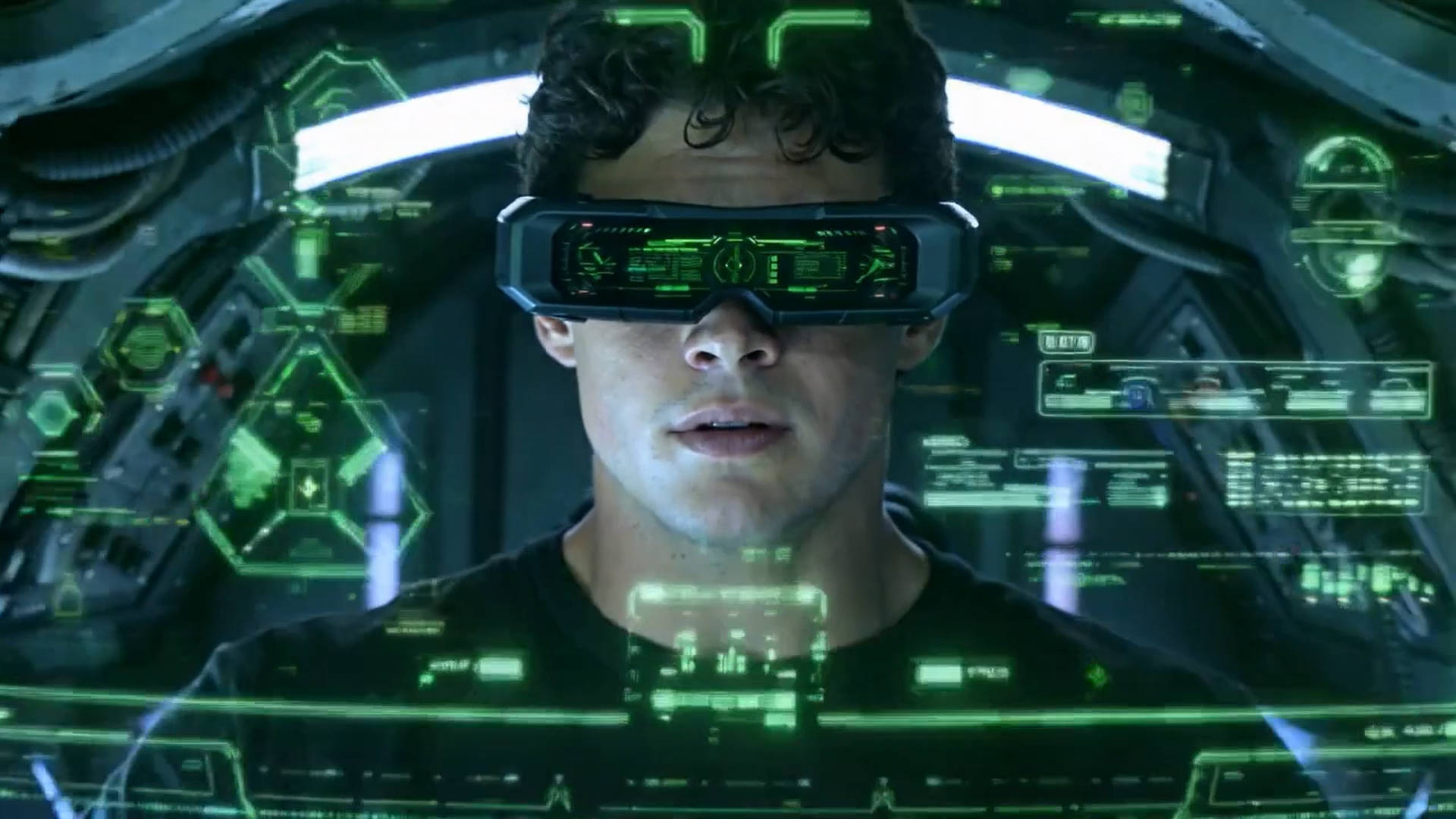
Seedance 2.0 is less about “AI generate” and more about “creative control.”
It bridges the gap between generation and editing, making AI video finally practical for real production work.
If you want predictable results, stable characters, and professional rhythm. Try Seedance 2.0 to build your next clip with reference inputs instead of prompts alone.
Feel the difference immediately.